Creating a productive home office space is essential for anyone working remotely or managing projects from home. A well-designed workspace not only promotes focus and efficiency but also supports comfort and overall well-being throughout the workday. Whether you have a dedicated room or just a small corner, there are simple steps you can take to transform your space into a productive environment. This post offers practical tips to help you create a home office that works for you.
1. Choose the Right Location
Finding the right spot in your home is the first step in setting up a productive office. Here are some key considerations:
– Quiet and Private: Select a space away from high-traffic, noisy areas such as the living room or kitchen. A quiet corner or spare room is ideal.
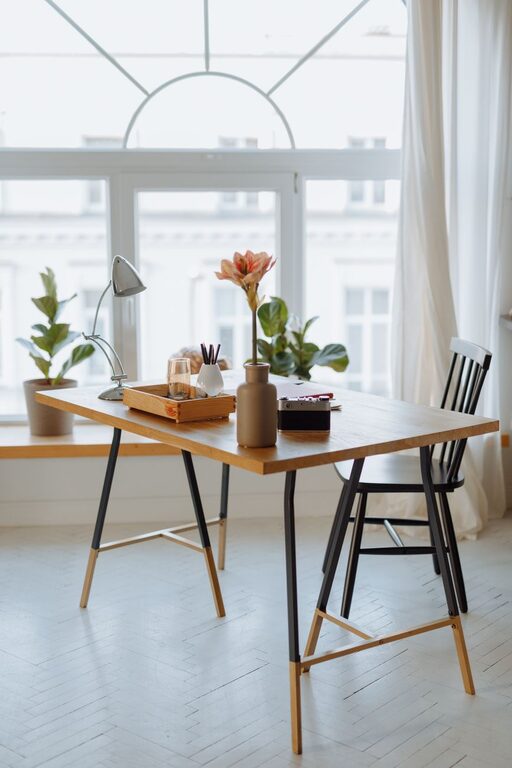
– Natural Light: Position your desk near a window if possible. Natural light helps improve mood and reduce eye strain.
– Minimal Distractions: Avoid placing your workspace where you can easily see the TV or family activities.
2. Invest in Comfortable Furniture
Comfortable furniture can make a big difference in your productivity and physical health.
– Ergonomic Chair: Choose a chair with good lumbar support, adjustable height, and comfortable padding to prevent back pain.
– Appropriate Desk: Select a desk that fits your space and allows enough room for your computer, accessories, and any paperwork.
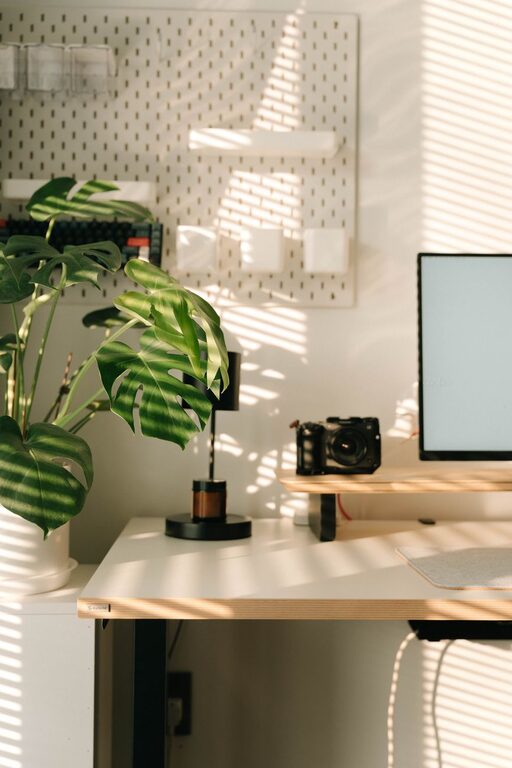
– Adjustable Setup: Consider desks that allow standing and sitting options or use a monitor stand to set your screen at eye level.
3. Organize and Declutter
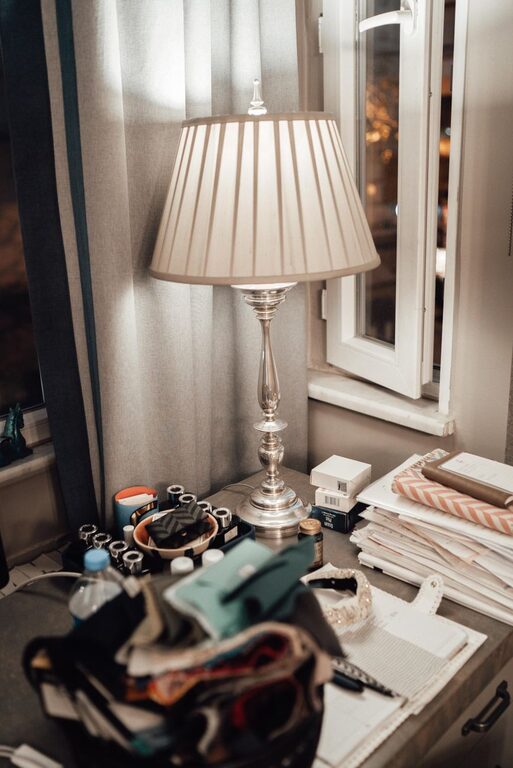
Keeping your workspace tidy makes it easier to focus and reduces stress.
– Storage Solutions: Use shelves, file cabinets, or desk organizers to keep supplies and documents in order.
– Cable Management: Tidy up cords with clips or cable organizers to keep your desk clear.
– Daily Cleanup: Spend a few minutes at the end of each day to clear your desk and prepare for tomorrow.
4. Optimize Lighting
Good lighting is key to reducing eye strain and maintaining energy.
– Layered Lighting: Combine natural light with overhead lights and a desk lamp to ensure your workspace is well-lit at all times.
– Adjustable Desk Lamp: Choose a lamp with adjustable brightness and color temperature to match your task and time of day.
– Avoid Glare: Position monitors and light sources to minimize screen glare.
5. Personalize Your Space
Adding personal touches can make your office feel inviting and motivating.
– Decor: Add artwork, plants, or inspirational quotes that brighten the room and reflect your personality.
– Color Scheme: Choose colors that help you focus and feel calm, like blues, greens, or neutrals.
– Comfort: Include small comforts, such as a cozy rug or cushions, to make your space pleasant.
6. Set Boundaries and Schedules
To maintain productivity, it’s important to create clear work routines.
– Work Hours: Set consistent start and end times for your workday to maintain a healthy work-life balance.
– Breaks: Schedule short, regular breaks to stretch, hydrate, and refresh your mind.
– Dedicated Work Zone: Use your office space only for work to help your brain associate that area with productivity.
7. Use Technology Wisely
Leveraging technology can help streamline your work and stay organized.
– Reliable Internet: Ensure your connection is strong to avoid frustrations during meetings or downloads.
– Productivity Tools: Use apps for task management, calendar scheduling, and note-taking to stay on track.
– Noise-Canceling Headphones: When working in shared or noisy homes, these can improve focus.
8. Maintain Good Air Quality
A comfortable room temperature and fresh air contribute to your alertness and health.
– Ventilation: Open windows or use an air purifier if possible to keep air fresh.
– Temperature: Adjust heating or cooling to keep the room comfortable—not too hot or cold.
Conclusion
Designing a productive home office is about creating a balanced space tailored to your needs. By selecting the right location, investing in comfort, staying organized, and incorporating personal touches, you can build an environment that supports your focus and well-being. Remember that small changes can have a big impact on your productivity and enjoyment while working from home. Start with these tips and adjust your setup as you discover what works best for you.